+31 (0)43 30 88 400 | office@comex.eu

Backup and disaster recovery: difference, strategy, and recoverability
Backup and disaster recovery are often mentioned in the same breath. Yet they are two different components of digital continuity. A backup provides a copy of data. Disaster recovery determines how you restore systems, applications, and processes after an incident.
For organizations, one question is particularly important: can you restore critical data and systems quickly enough when ransomware, human error, hardware problems, or outages have an impact?
A good backup and disaster recovery strategy is therefore not just about storage capacity. It is about recoverability, protection, control, and clear agreements regarding downtime and data loss.
What is a backup?
Backup is the process of creating and storing copies of data, systems, or applications. You use these copies when original data is lost, damaged, or no longer accessible.
A backup can help in cases of human error, deleted files, hardware problems, ransomware, or other disruptions. But a backup is only valuable if it is reliable, protected, and recoverable.
That is why you shouldn’t just look at whether backups are being made. You also need to know where they are located, who can access them, how long they are kept, and how quickly they can be restored.
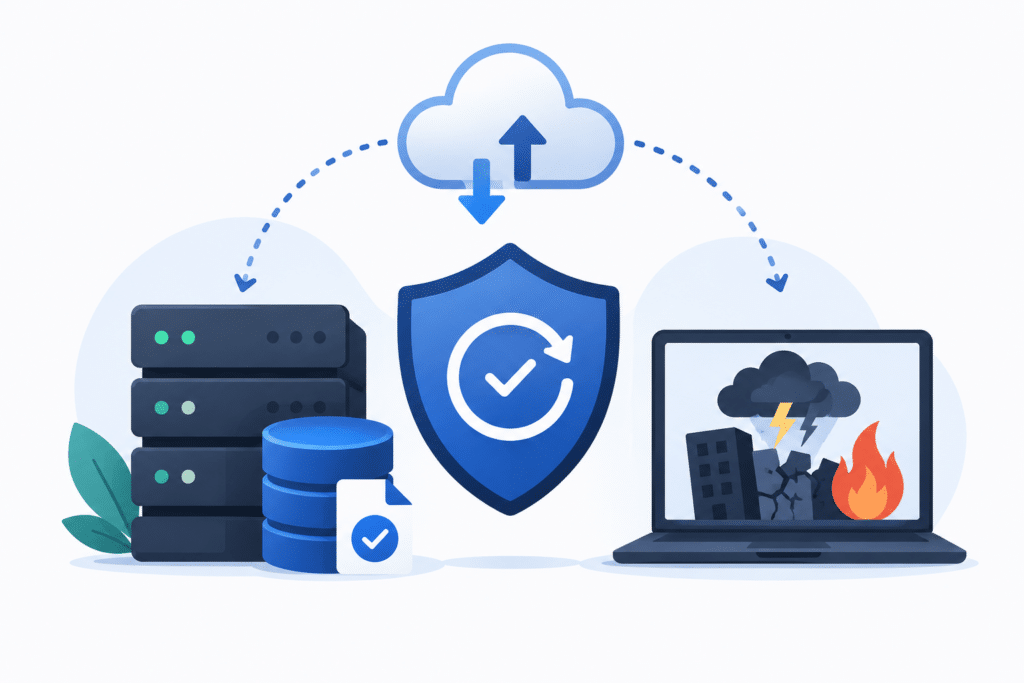
What is disaster recovery?
Disaster recovery goes beyond backup. It is the plan and process by which an organization restores systems, applications, and data after a serious incident.
Think of ransomware, fire, hardware failure, data center outages, human error, or problems with a supplier. Disaster recovery is not just about restoring data, but also about priorities, recovery order, responsibilities, and acceptable downtime.
A disaster recovery strategy therefore determines how your organization becomes operational again.
Backup vs disaster recovery: what is the difference?
Backup
Backup is about keeping copies of data. The focus is on protection against data loss.
Important for backup:
- Where are the backups stored?
- How often are backups made?
- How long are they kept?
- Are they protected against ransomware?
- Can they be restored?
Disaster recovery
Disaster recovery is about recovery after an incident. The focus is on continuity and making systems available again.
Important for disaster recovery:
- Which systems do you restore first?
- How quickly must recovery take place?
- How much data loss is acceptable?
- Who is responsible?
- Has the recovery process been tested recently?
Backup is therefore a component of disaster recovery, but not a replacement for it. Without good backups, recovery is difficult. Without a disaster recovery plan, you don’t know how to deploy those backups effectively during an incident.
Why backup alone is not enough
Many organizations have backups but don’t know exactly how the recovery process works when things go wrong. This becomes especially visible with ransomware.
Attackers are increasingly targeting not just production environments, but also backups. If backups are continuously accessible from the network, they can be encrypted, deleted, or manipulated.
That is why backup alone is not enough. You also need protection against unwanted modification or deletion, clear retention, recovery testing, and a storage layer that is not permanently exposed to the same risks as the production environment.
RTO and RPO: two important concepts
What is RTO?
RTO stands for Recovery Time Objective. This is the maximum time within which a system, application, or dataset must be restored after an incident.
A short RTO requires fast recovery, good procedures, and storage that does not slow down recovery processes.
What is RPO?
RPO stands for Recovery Point Objective. This is the maximum amount of data loss that is acceptable.
A short RPO means that backups must be made more frequently. It also means you need to think carefully about retention, storage capacity, and protection of recovery points.
Recovery testing
A backup is only reliable if you know that recovery works. Recovery tests show whether data can be restored, how long it takes, and whether the right systems become available in the correct order.
Without recovery testing, disaster recovery remains mostly theoretical.
Backup and disaster recovery for ransomware
Ransomware changes the requirements for backup and recovery. It is not enough to just have a copy of data. That copy must also be protected against encryption, deletion, and unauthorized access.
That is why air gap, immutability, and separate backup storage are becoming increasingly important.
An air gap backup ensures that a copy is not continuously accessible from the network. Immutability prevents data from being modified or deleted within a certain period. Together, they help keep a recoverable copy available when regular systems are hit.
Building blocks of a strong backup strategy
Immutable backups
Immutable backup means that backup data temporarily cannot be modified or deleted. This helps against ransomware, human error, and unwanted changes.
Air gapped backups
Air gap backup ensures that a backup copy is not continuously connected to the network, ideally through physical separation. This makes it harder for attackers to hit this copy as well.
Offline
backup
Offline backup means that a copy is physically or logically disconnected from the active IT environment. This can serve as a last resort for recovery in case of serious incidents.
Backup repository
A backup repository is the storage location where backups are kept. For organizations, it is important that this repository is secure, scalable, auditable, and suitable for recovery.
Veeam backup storage
Many organizations use Veeam Backup & Replication for backup and recovery. In that case, the storage layer behind Veeam is crucial. Silent Bricks can be deployed as secure Veeam backup storage for repository, tape, and object store scenarios.
*Silent Bricks also work with all other backup software.
How Silent Bricks help with backup and disaster recovery
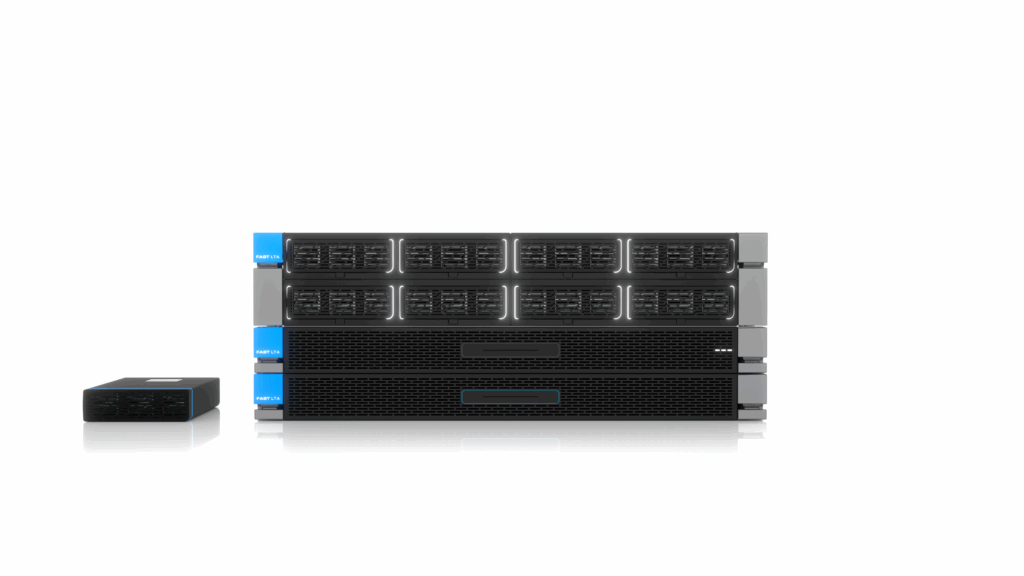
Silent Bricks are developed for organizations that want to keep backup and recovery under control. The solution combines secure backup storage, air gap functionality, immutability, and scalability.
This helps Silent Bricks to better protect backups against ransomware and data loss. At the same time, data remains available for recovery when needed.
Silent Bricks fit within existing backup strategies and can be deployed for backup, recovery, and VTL environments.
When should you review your backup and disaster recovery strategy?
Your backup and disaster recovery strategy deserves attention when:
- your backups are constantly growing
- recovery tests are missing or take too long
- ransomware poses a serious risk
- backups are continuously accessible from the network
- you don’t know what your RTO and RPO are
- you are dependent on a single storage layer or vendor
- compliance or auditability becomes more important
- your environment needs extra secure storage
In these situations, it is wise to look not only at backup software, but also at the storage, retention, air gap, immutability, and recovery processes behind it.
Frequently asked questions about backup and disaster recovery
What is the difference between backup and disaster recovery?
Backup is the creation and storage of copies of data. Disaster recovery is the complete process by which systems, applications, and data are restored after an incident. Backup is therefore a component of disaster recovery.
What does backup and recovery mean?
Backup and recovery means that data is copied and can later be restored when original data is lost, damaged, or encrypted. Recovery is about the actual restoration of that data.
Why is disaster recovery important for ransomware?
With ransomware, production environments and backups can be hit. A disaster recovery strategy helps to determine in advance which data must be protected, how recovery proceeds, and how quickly systems must be available again.
What is a good backup strategy?
A good backup strategy combines multiple copies, clear retention, recovery testing, air gap, immutability, and secure backup storage. The strategy must align with RTO, RPO, and the organization’s risks.
How do Silent Bricks help with backup and recovery?
Silent Bricks provide secure backup storage for organizations that want to keep data protected and recoverable. The solution supports backup, recovery, VTL, air gap, and various scenarios.
What is the role of backup and recovery in digital sovereignty?
Backup and recovery play an important role in digital sovereignty, because you only truly have control over data if you can also restore it independently. It is therefore not just about where data is located, but also about who has access to backups, which legislation they fall under, and how dependent you are on external cloud platforms or vendors for recovery.
With European storage for backup and recovery, you keep critical data under your own control. This helps organizations better manage availability, compliance, costs, and recoverability. In this way, backup becomes not just a technical measure, but a part of broader digital sovereignty.
Discuss your backup and disaster recovery strategy
Do you want to know if your backup environment is also recoverable in case of ransomware, hardware failure, or outages?
Schedule a conversation with one of our experts. We will look at backup, disaster recovery, air gap, immutability, storage infrastructure, and recoverability.
 Subscribe for tips and info