+31 (0)43 30 88 400 | office@comex.eu

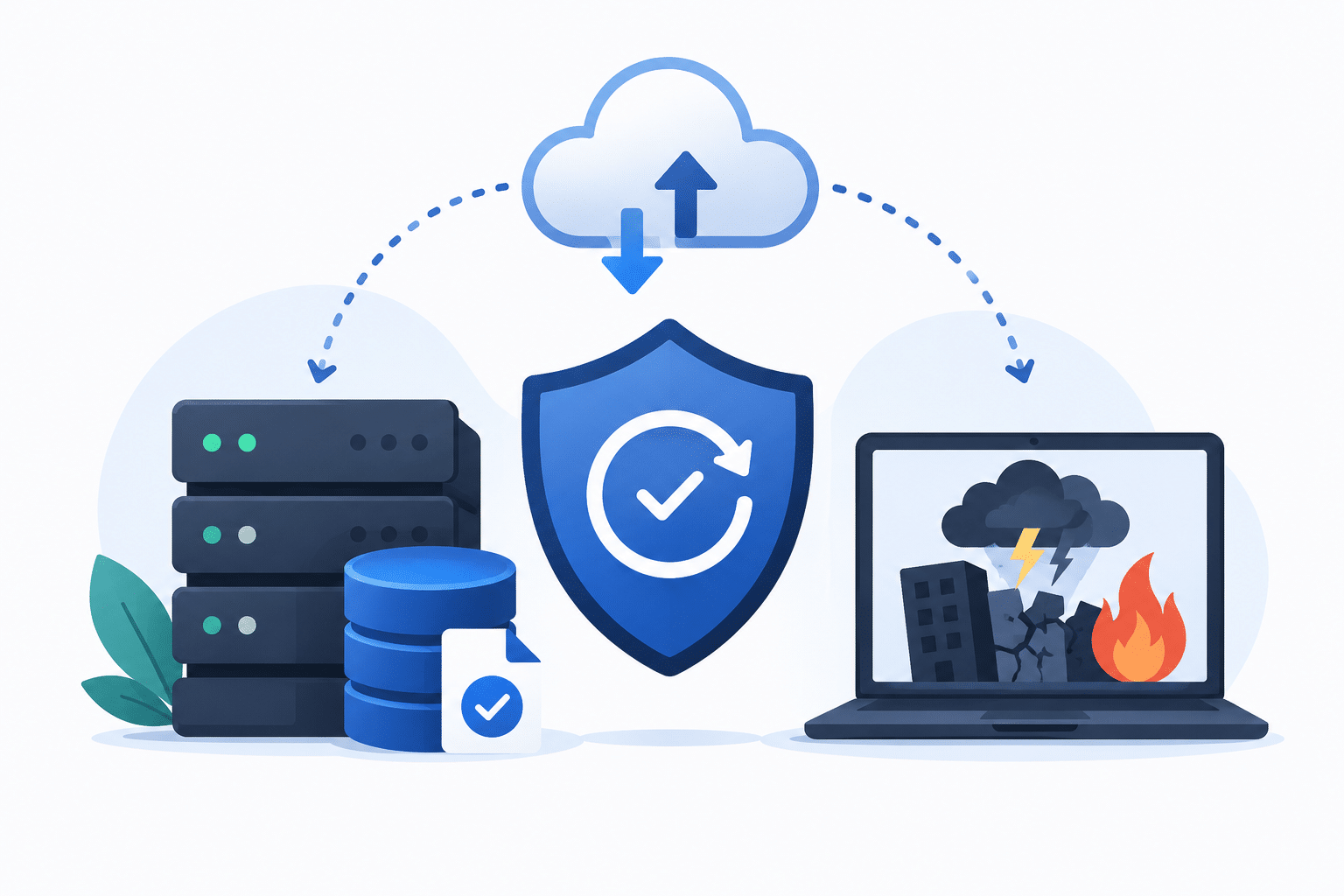
Difference between backup and disaster recovery

Backup and disaster recovery are often used interchangeably. This makes sense, as they belong together. However, they do not mean the same thing.
A backup is a copy of data. Disaster recovery is the plan you use to restore systems, applications, and data after an incident. Without a backup, you have little to restore. Without disaster recovery, you don’t know how to perform a restoration when things go wrong. That is why you should always view backup and disaster recovery together.
For organizations, the difference is important. Especially in the case of ransomware, hardware failure, human error, or system outages.
What is backup?
A backup is a copy of data, systems, or applications. You use that copy when original data is lost, damaged, or no longer accessible.
Backups help, for example, with deleted files, technical failures, ransomware, or human errors.
But a backup is only useful if it can actually be restored. Therefore, you shouldn’t just look at whether backups are being made. You also need to know where they are, who can access them, how long they are kept, and how quickly recovery is possible.
What is disaster recovery?
Disaster recovery goes further than making a copy. It is the process by which your organization recovers after a serious incident.
Think of ransomware, fire, hardware problems, data center outages, or system errors. Disaster recovery is about priorities, recovery order, responsibilities, and acceptable downtime.
A disaster recovery plan answers questions such as:
- Which systems need to be back online first?
- How much data loss is acceptable?
- How quickly must recovery take place?
- Who makes decisions during an incident?
- When was recovery tested?
Backup vs disaster recovery: the difference
Backup
Backup is about keeping copies of data. The focus is on protection against data loss.
Important for backup:
- Where are the backups stored?
- How often are they made?
- How long are they kept?
- Are they protected against ransomware?
- Can they be reliably restored?
Disaster recovery
Disaster recovery is about recovery after an incident. The focus is on continuity and making systems available again.
Important for disaster recovery:
- Which systems do you restore first?
- How quickly must recovery take place?
- How much data loss is acceptable?
- Who is responsible?
- Has the recovery process been tested?
Backup is therefore a component of disaster recovery, but not a replacement for it. You need backups to restore data. You need disaster recovery to know how your organization becomes operational again.
Why backup alone is not enough
Many organizations have backups. However, that does not automatically mean that recovery is well-organized.
With ransomware, it’s not just production environments that are hit. Attackers also try to delete, encrypt, or manipulate backups. If they succeed, recovery becomes much more difficult.
That is why a backup strategy must always be linked to disaster recovery. You want to know if backups are protected, if recovery is tested, and how quickly critical systems can be available again.
RTO and RPO make it concrete
Two concepts are important in disaster recovery: RTO and RPO.
RTO
RTO stands for Recovery Time Objective. This is the maximum time within which a system or dataset must be restored after an incident.
Example:
If an organization can be without an application for a maximum of 4 hours, then the RTO is 4 hours.
RPO
RPO stands for Recovery Point Objective. This is the maximum amount of data loss that is acceptable.
Example:
If you are allowed to lose a maximum of 1 hour of data, then your backup strategy must be set up accordingly.
Together, RTO and RPO determine how robustly your backup and disaster recovery strategy must be configured.
What does this mean for ransomware?
With ransomware, everything revolves around recoverability. You don’t want to be dependent on attackers or a single vulnerable backup layer.
That is why air gap backup, immutable backup, and secure backup storage are becoming increasingly important. An air gap helps to keep a copy out of reach of ransomware. Immutability prevents data from being modified or deleted without authorization.
A strong disaster recovery strategy therefore combines backups, protection, recovery testing, and clear procedures.
How do you better set up backup and disaster recovery?
Start with these questions:
- Which data and systems are critical?
- How quickly must these systems be back online?
- How much data loss is acceptable?
- Are backups protected against ransomware?
- Is there an air gap or immutable copy?
- When was recovery last tested?
- Does the storage layer match your recovery requirements?
Without these answers, backup remains primarily a technical task. With these answers, it becomes part of continuity and risk management.
The role of Silent Bricks
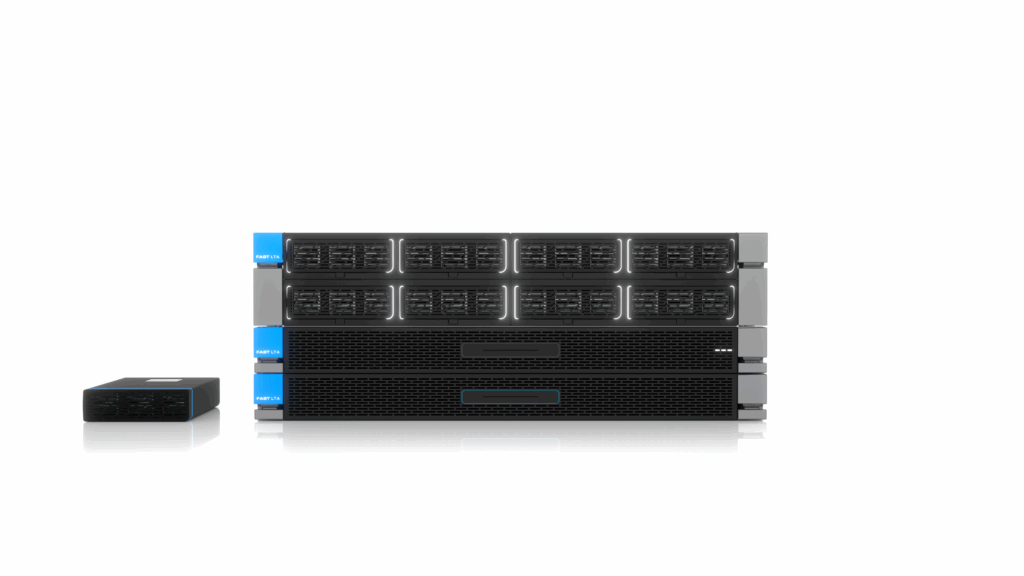
Silent Bricks helps organizations to better protect backup and recovery. The solution is suitable for secure backup storage, VTL, air gap storage, and Veeam environments.
This makes Silent Bricks a fit for organizations that don’t just want to make backups, but also want to be certain that data remains recoverable in the event of ransomware, outages, or human error.
Frequently asked questions about backup and disaster recovery
Is backup the same as disaster recovery?
No. Backup is the creation and storage of copies of data. Disaster recovery is the complete recovery process after an incident. Backup is a component of disaster recovery.
Why is disaster recovery important?
Disaster recovery helps organizations to become operational again after ransomware, outages, or data loss. It determines which systems have priority, how quickly recovery must take place, and who is responsible.
What is more important, backup or disaster recovery?
You need both. Without backup, you have no data to restore. Without disaster recovery, you don’t know how to perform recovery quickly and in a controlled manner.
Want to know more about backup and disaster recovery?
Do you want to go deeper into strategy, recoverability, RTO, RPO, air gap, and ransomware recovery?
Then read our complete page on backup and disaster recovery or schedule a meeting with one of our experts.
 Subscribe for tips and info